HIS Release notes
FY25
Q4 FY25 Release notes
POC Release Notes – Q4 FY25
Version: V2025.Q3.R3
Release Date: 03 September 2025
Approved By: G. Chinyama
Document Version: 1.9.7
🧭 Overview
This document summarizes the Q4 FY25 release for the EMR POC system.
The release includes new features, enhancements, and bug fixes, primarily focused on the ART and OPD modules.
Note: Always run the MOH Cohort Report before other MOH or PEPFAR reports to ensure correct patient outcomes for the reporting period.
🧩 Version Summary
| Component | Version |
|---|---|
| HIS-Core | V2025.Q3.R3 |
| API | V5.6.6 |
🚀 New Features & Enhancements
ART Module
-
Added three new reports in data management:
- Encounters per Provider Report: Shows encounter counts by user, with drill-down to patient and date level.
- Encounters at Odd Hours Report: Lists encounters carried out during non-standard working hours, including user and timestamp.
- Password Changes Report: Displays how many times users changed their password within the reporting period.
-
New data cleaning tools:
- Identify clients on ART but missing HIV program enrollment.
- Detect clients with implausible ARV dispensations (e.g., non-multiples of 30 or excessive quantities).
- Added 15P 180 pack size.
- Added TB Observation Date column to cohort report drilldown on TB indicators.
- Added Helpdesk flyer on login and network configuration pages.
- Enabled dispensing extra DTG for clients with confirmed TB during ongoing ART.
- Data cleaning tool access opened to all users (previously limited to super users).
- Enhanced the PEPFAR TX HIV HTN report to align with MER guidelines.
OPD Module
-
Added missing diagnoses:
- Sepsemia (11888)
- Polyarthritis (9281)
- Oral Candida (5334)
- Pustulosis (11889)
- Lichen Planus (11890)
- Pityriasis Versicolor (3776)
-
Added missing drugs:
- Benzyl benzoate 12.5% / 6.25%
- Metronidazole 100mg
- Chlorohexidine
- GV-Paint
- Amoxicillin 62.5mg
- Salicylic Acid
- Miconazole 125mg
- Acyclovir 100mg
- Albendazole 100mg
- Magnesium Trisilicate 125mg
- Chlorphenamine 1mg
CxCa Module
- None this quarter.
🧱 Dropped Features
- None.
🪲 Bug Fixes
General
- Routine maintenance and stability improvements.
ART Module
- Fixed freezing issue on alerts tab when switching between “High,” “Rejected,” and “Normal.”
- Fixed incorrect targeted VL results showing “Increase patient dose.”
- Fixed missing patient type when transitioning from other EMR modules.
ANC Module
- Fixed Lab Orders Summary printout to display only completed lab orders.
CxCa Module
- No fixes this quarter.
🧠 Known Bugs & Limitations
- Lab Orders Edit Button: The dedicated edit button on the lab orders page remains inactive (still under development).
🧰 System Compatibility (Reference)
(This section remains constant across releases — link to shared BookStack page if available.)
| Component | Required Version |
|---|---|
| Server OS | Ubuntu 22.04 LTS or later |
| Database | MySQL 8.0+ |
| Web Server | Nginx 1.18+ |
| RAM | 16GB+ |
| Storage | 500GB+ |
| Client OS | Linux / Windows / Mac / Android |
| Browser | Mozilla Firefox 88.0+ |
| Auxiliary Hardware | Zebra Printer (TLP2844/GC420t), OCOM Printer (OCBP-012), USB Barcode Scanner |
⚙️ Installation Instructions (Reference)
For installation, upgrades, and API setup, see the Common Installation Guide.
🧾 Patches & Hotfixes – Q4 FY25
| Patch Version | Date | Description |
|---|---|---|
| v2025.Q3.R2.1 | TBD | Example: Fixed login timeout issue |
| v2025.Q3.R2.2 | TBD | Example: Updated CxCa report logic |
(Add entries here as patches are released during the quarter.)
📅 Release History
| Release | Date | Summary |
|---|---|---|
| Q1 FY25 | 06 Jan 2025 | Q1 FY25 reporting requirements |
| Q2 FY25 | 09 Apr 2025 | Added data cleaning tools |
| Q3 FY25 | 08 Jul 2025 | TB & reporting updates |
| Q4 FY25 | 03 Sep 2025 | ART & OPD enhancements |
📞 Support
For assistance or questions, contact the HIS Helpdesk or refer to the Helpdesk Flyer accessible from the login page.
Last updated: 03 September 2025
Q4 FY25 Release notes
IBLIS Release Notes – Q4 FY25
Version: V
Release Date: 30 October 2025
Approved By: G. Chinyama
Document Version: v3.4.0/v3.4.0
🧭 Overview
This release has enhancements and new features. This release mainly focuses on integration with the Test catalog and other new features
🧩 Version Summary
Component | Version |
|---|---|
Front-end | v3.4.0 |
API | v3.4.0 |
🚀 New Features & Enhancements
5.1 Printing of patient report with multiple specimens of the
The system now allows users to print a report with multiple specimens if the orders are in the same encounter. Go to Test, click on View, by default, the checkbox on the print all tests for the patient is checked. If this is unchecked, the report only shows the test for that one order
Patient report with multiple specimens of orders made for the same encounter
5.2 Ward Editing Enhancement
Added functionality to edit the ward/location of tests within a 72-hour window after test creation.
· The system calculates the time difference between test creation and ward editing to enforce the 72-hour rule.
· When editing is no longer allowed, a lock icon appears, and the user is notified of the restriction.
· Status-based restriction: Ward editing is permitted for all test statuses except those marked as “Verified.”
· A searchable dropdown has been added for quick selection from all available wards.
5.3 Individual Sample Turnaround Time (TAT) Display
The Turnaround Time Report now includes individual sample TATs in addition to the average TAT.
Access path: Reports > Aggregate Reports > Turnaround Time Report → Click the total number for a test to view TATs for individual samples.
5.4 Ward Filter on Daily Log Report
Added Ward as a filter option on the Daily Log Report to enable location-based data filtering.
5.5 Age Range Filter on Daily Log Report
Introduced Age Range filtering on the Daily Log Report, allowing users to refine searches by specific age ranges.
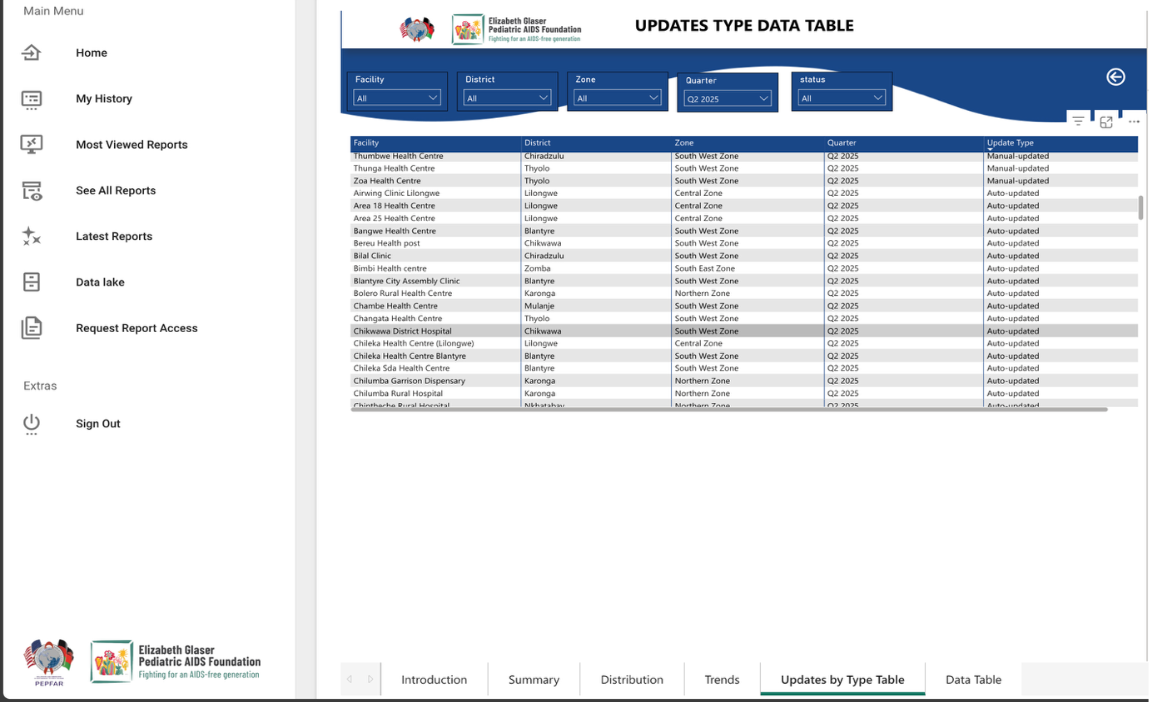
5.6 Test Catalog Configuration Tab
Added a Test Catalog tab under Configuration to display the current test catalog version and enable synchronization with IBLIS.
5.7 Integration with The Test Catalog
Implemented the ability to fetch and sync new versions of the Test Catalog from the centralized repository. This can be a full sync that will sync all changes, or it can be done for individual sections, like Specimen, drugs, and so on
5.8 Test Name Display Preference
Introduced a new Test Name Display Setting under the Preferences tab in Configuration.
Users can now choose to display official test names (from the Test Catalog) or preferred facility-level names.
This setting also applies to reports, ensuring consistent naming across the system.
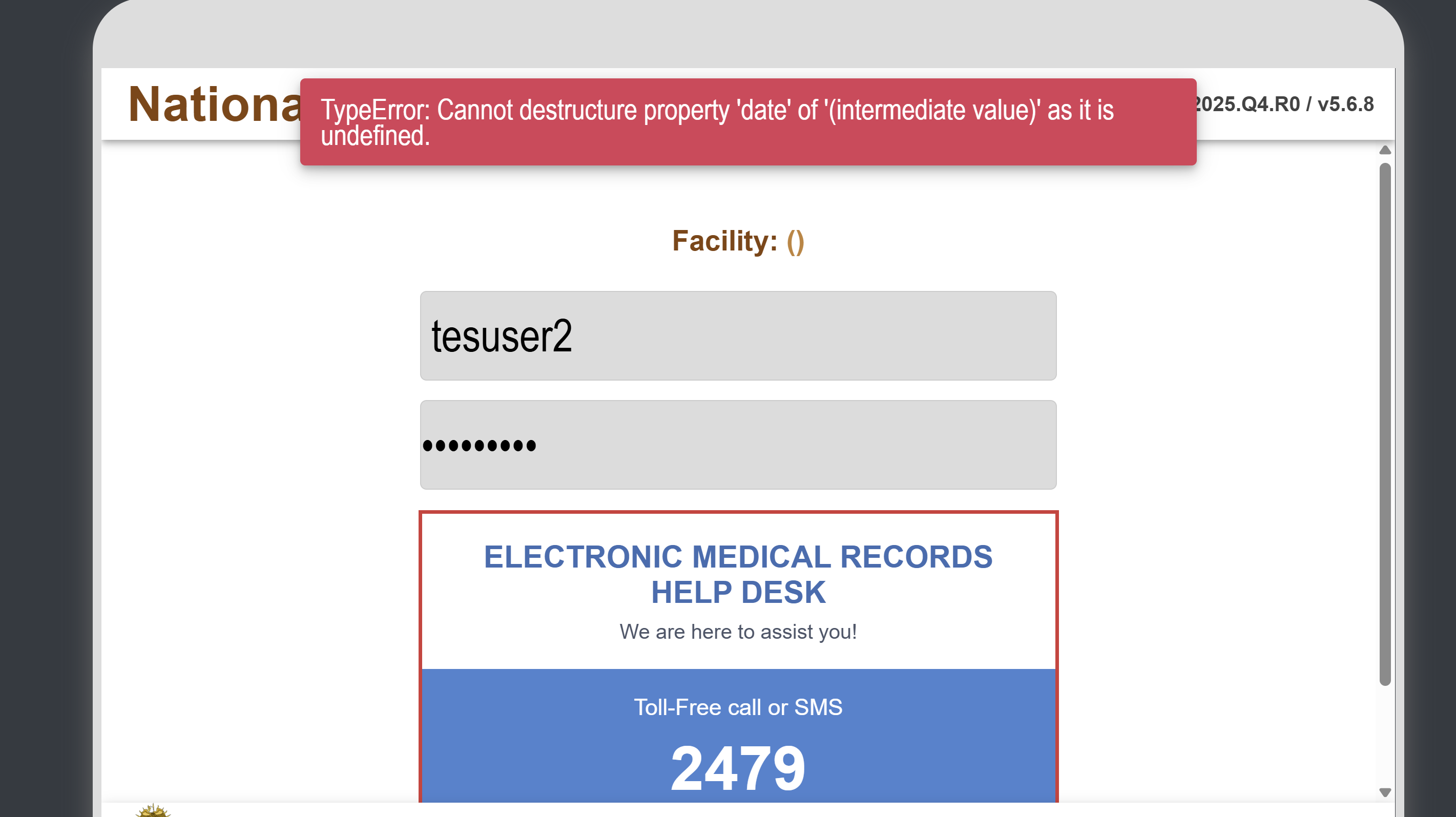
5.9 Ordering and Receiving Results from the Ward
Users with the privilege to a specific Ward will be able to log in to the respective ward, make orders, and view the results for the particular patient for easy and quick decision-making, and relieve congestion at the lab for lab results
· Users will be able to select the Ward on the login page
· Users will be able to change the selected ward before logging in and after logging in
🧱 Dropped Features
To accommodate the adoption of the national Test Catalog and promote uniformity across systems, the following features have been deprecated: · Adding, editing, and deleting tests
- Adding, editing, and deleting test panels
· Adding, editing, and deleting departments
· Adding, editing, and deleting specimens
· Adding, editing, and deleting organisms
· Adding, editing, and deleting drugs
🪲 Bug Fixes
· Adding, editing, and deleting organisms
· Adding, editing, and deleting drugs
· Reception Error: Fixed an issue in IBLIS Reception where the system displayed an error and failed to proceed when locating an existing patient on row 3 or below while DDE was activated.
· Resolved an issue where the Fetch button was incorrectly enabled when only some tests within an order had results available. The button will now only activate once all tests in the order have been completed. For example, if FBC and Liver Function are ordered together, the Fetch button will remain inactive until results for both tests are available.
🧠 Known Bugs & Limitations
- None
🧰 System Compatibility (Reference)
(This section remains constant across releases — link to shared BookStack page if available.)
Component | Required Version |
|---|---|
Server OS | Ubuntu 22.04 LTS or later |
Database | MySQL 8.0+ |
Web Server | Puma for backend, Passenger for frontend |
RAM | 2GB minimum or better |
Storage | 4GB minimum subjective to data processing needs. |
Client OS | Linux |
Browser | Mozilla Firefox 88.0 or better with HTML5 support |
Network Connection | Reliable LAN connection for connectivity to the server in the facility |
Auxiliary Hardware | TLP 2844 Zebra Printer |
⚙️ Installation Instructions (Reference)
For installation, upgrades, and API setup, see the Common Installation Guide.
📅 Release History
Release | Date | Summary |
|---|---|---|
Q1 FY25 | 06 Jan 2025 | Q1 FY25 reporting requirements |
Q2 FY25 | 09 Apr 2025 | Added data cleaning tools |
Q3 FY25 | 08 Jul 2025 | TB & reporting updates |
Q4 FY25 | 03 Sep 2025 | Integration with the Test catalog |
📞 Support
For assistance or questions, contact the HIS Helpdesk or refer to the Helpdesk Flyer accessible from the login page.
Last updated: 03 September 2025
Common Sections
Grouping of similar sections accross all modules
Release note template
POC Release Notes – Q4 FY25
Version:
Release Date:
Approved By:
Document Version:
Overview
Note:
Version Summary
|
Component |
Version |
|---|---|
|
HIS-Core |
V2025.Q3.R2 |
|
API |
V5.6.5 |
ART Module
OPD Module
CxCa Module
Dropped Features
Bug Fixes
General
- Routine maintenance and stability improvements.
ART Module
ANC Module
CxCa Module
Known Bugs & Limitations
System Compatibility (Reference)
(This section remains constant across releases — link to shared BookStack page if available.)
|
Component |
Required Version |
|---|---|
|
Server OS |
Ubuntu 22.04 LTS or later |
|
Database |
MySQL 8.0+ |
|
Web Server |
Nginx 1.18+ |
|
RAM |
16GB+ |
|
Storage |
500GB+ |
|
Client OS |
Linux / Windows / Mac / Android |
|
Browser |
Mozilla Firefox 88.0+ |
|
Auxiliary Hardware |
Zebra Printer (TLP2844/GC420t), OCOM Printer (OCBP-012), USB Barcode Scanner |
Installation Instructions (Reference)
For installation, upgrades, and API setup, see the Common Installation Guide.
Patches & Hotfixes – Q4 FY25
|
Patch Version |
Date |
Description |
|---|---|---|
|
v2025.Q3.R2.1 |
TBD |
Example: Fixed login timeout issue |
|
v2025.Q3.R2.2 |
TBD |
Example: Updated CxCa report logic |
(Add entries here as patches are released during the quarter.)
Release History
|
Release |
Date |
Summary |
|---|---|---|
|
Q1 FY25 |
06 Jan 2025 |
Q1 FY25 reporting requirements |
|
Q2 FY25 |
09 Apr 2025 |
Added data cleaning tools |
|
Q3 FY25 |
08 Jul 2025 |
TB & reporting updates |
|
Q4 FY25 |
03 Sep 2025 |
ART & OPD enhancements |
Support
Last updated: 03 September 2025